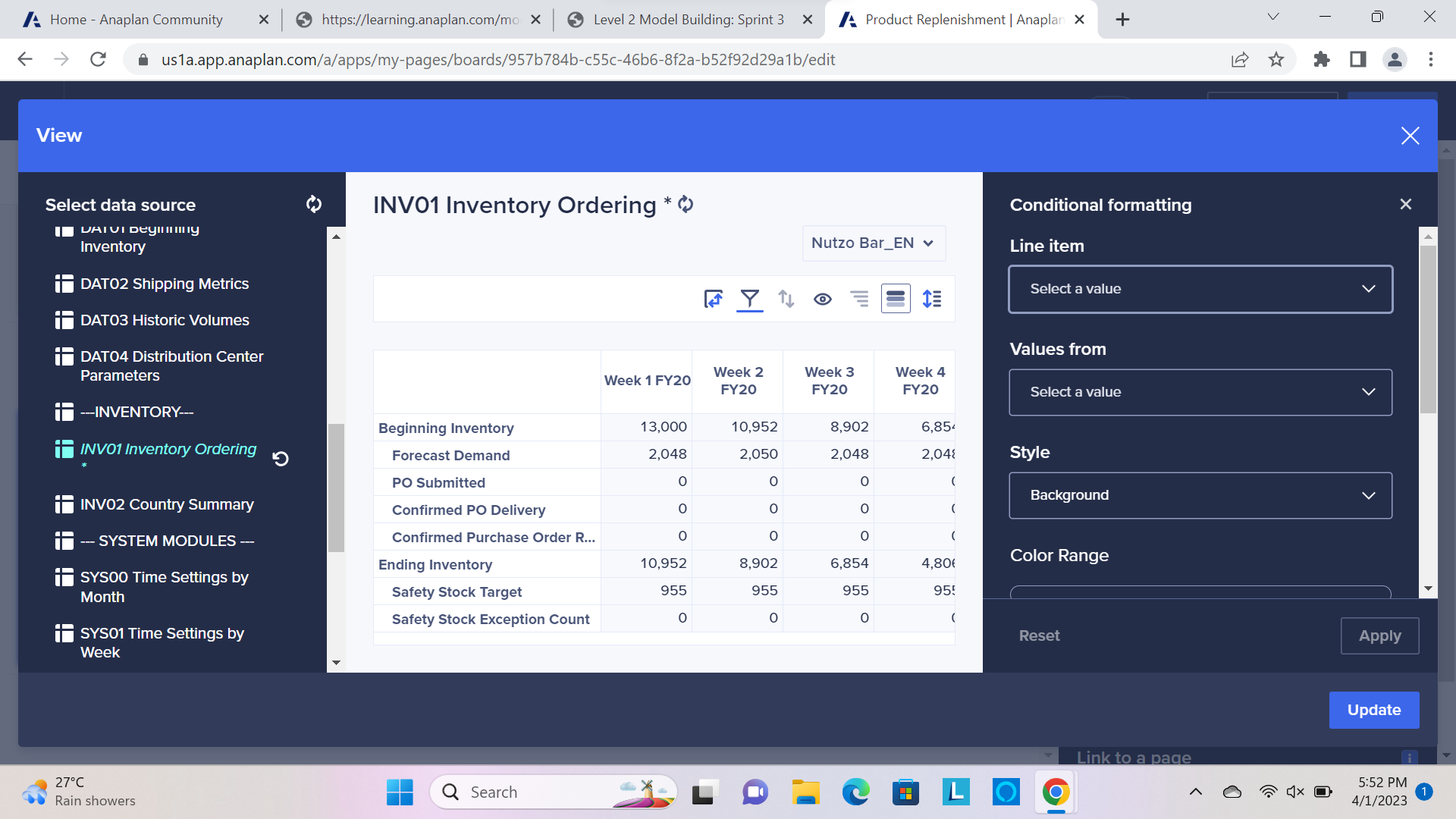
Okay so I've been stuck at it for so many hours now. First, I'm noot able to add the instructional text to the grid card. Second, I'm not able to do the conditional formatting for the INV01 module in the UX page due to the min and max. I'm attaching the screenshots, please help!
Hello @Divyam26 ,
For the instructional text, you just need to drag the text card into the dashboard and edit it. Please find image below.
As for the conditional formatting, please find an example below:
Note that you need to select a colour for both the min and the max.
Cheers!
bonjour, le certificat de notre ANAPLAN arrive à expiration le 12/06/2026. Est ce vous (ANAPLAN ) qui nous fournissez un nouveau certificat ? Merci Jean-François VENISSE M +33 6 34 16 34 22 jean-francois.venisse@abeille-assurances.fr 80 Avenue de l’Europe, 92270 Bois-Colombes
We've been building a tool called aplan4sheets and we'd genuinely like input from this community — both on what we've built so far and on what we should prioritize next. The problem we set out to solve: Anaplan's Excel add-in is Windows-centric, and there's no real native way to pivot Anaplan data in Google Sheets. We…
A while back, I shared a pattern for extracting and reporting on Anaplan audit data using a Python project hosted on GitHub. I wrote that during my time on the Operational Excellence Group (OEG) at Anaplan. The Python solution still works, and plenty of teams are running it today. The problem it solves hasn't changed:…