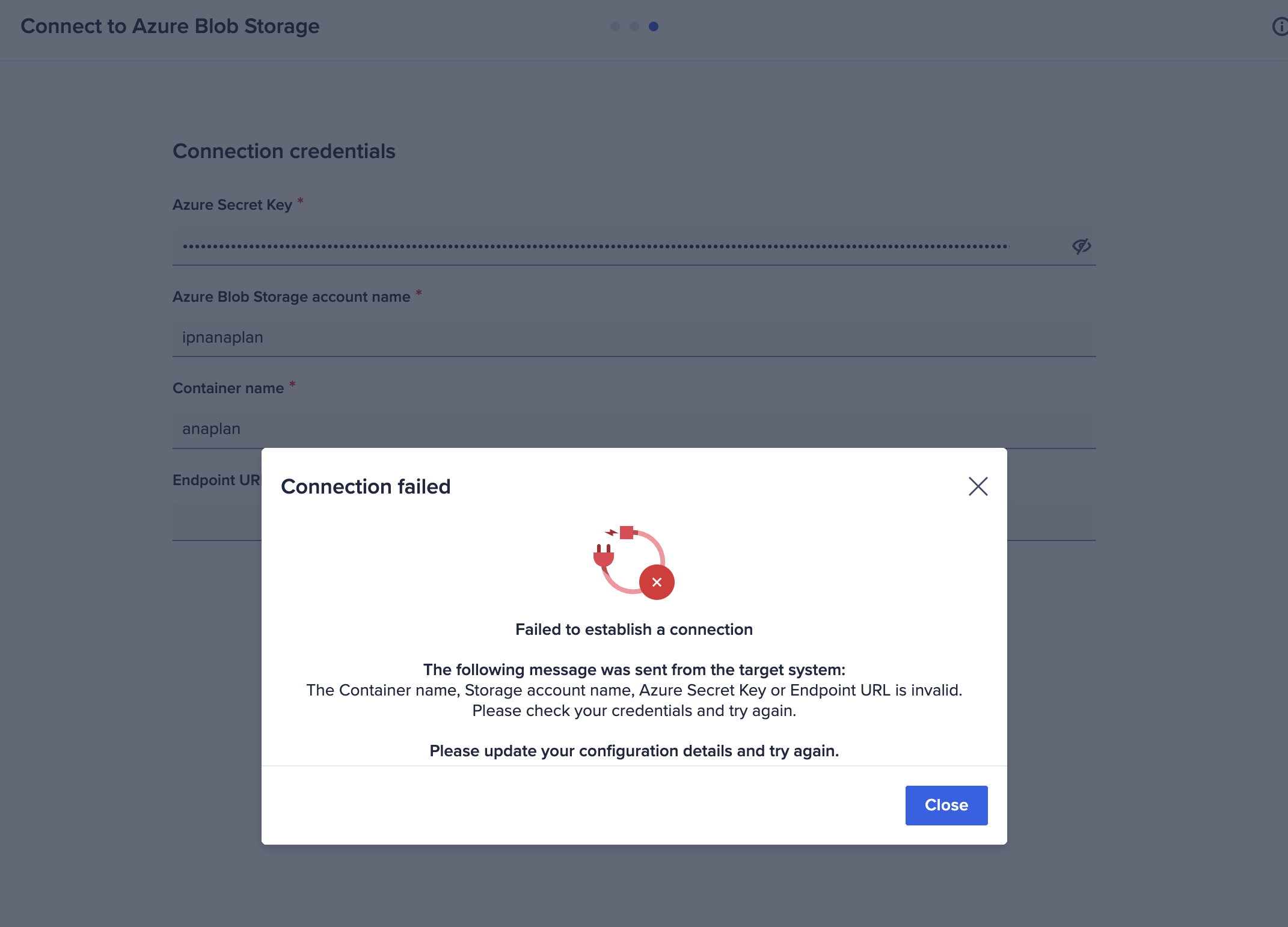
I am trying to connect to Azure blob, the credentials work on cloudworks, but do not work on ADO. Has anyone else experienced this issue?
Hello @jstockwell ,
In Cloudworks, the Azure Blob connection utilizes a SAS token for credentials, where as in ADO, Azure Blob uses an Azure Secret Key which cannot be the SAS token. Are you able to test creating a secret key with the proper permissions to access the Azure Blob container and test your connection in ADO? For reference on the ADO Azure Blob connection: https://help.anaplan.com/import-data-from-azure-blob-storage-c1c54d4d-c645-4ffe-98e6-ee8675b1894a Future State: ADO Azure Blob connection will be enhanced with the ability to use OAuth2.0 for connection into Azure Blob.
@JonFerneau,
We have a client that can only connect to Azure Blob using either Secure Access via RBAC AuthN+Z or Secured Network Access via Secure Tunnel / IP Whitelisting, per internal governance guidelines.
Are either of these options for establishing an ADO to Azure Blob connection, or will they need to seek another route to get their data into ADO?
@DavidEdwards , Currently, Azure Blob does not support secure tunnel connection. They can restrict access to their Azure Blob container to just Anaplan IP addresses, but I am not sure if this meets their requirements. Azure Blob also now supports OAuth within ADO so the use of SAS token is no longer required for connection.
Hi everyone 👋 If you build or maintain Anaplan models, you've probably hit the same walls I kept hitting. Some basic questions about a model's structure have no single screen to answer them. You end up clicking through modules and pages one by one, or writing API scripts just to get a list. These were the gaps that…
Hi Everyone, We have a requirement in Anaplan Consolidation & Reporting (Fluence) where the Entity Structure needs to change effective January 2026. The key requirement is that the existing entity structure should continue to be applicable for all reporting and consolidation periods through December 2025, while the new…
We've been building a tool called aplan4sheets and we'd genuinely like input from this community — both on what we've built so far and on what we should prioritize next. The problem we set out to solve: Anaplan's Excel add-in is Windows-centric, and there's no real native way to pivot Anaplan data in Google Sheets. We…