Hi @Rahul123123123 ,
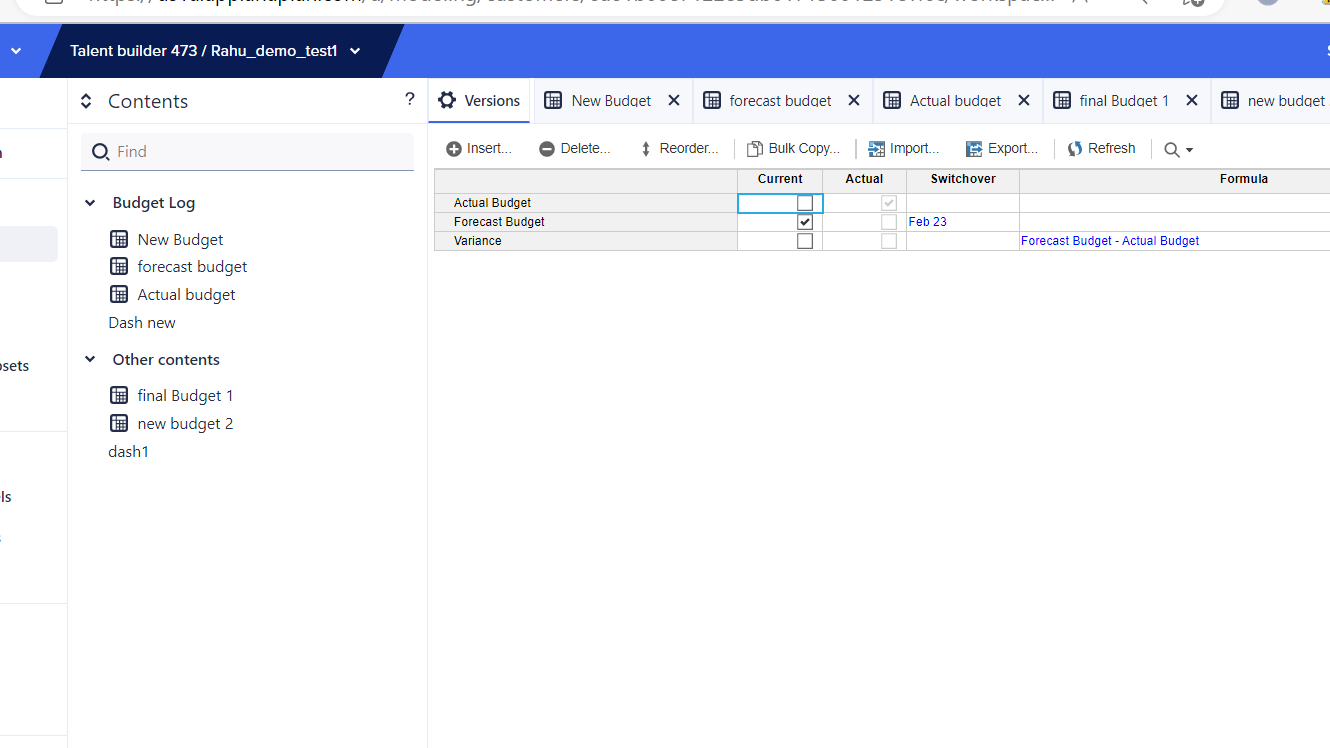
If the second dimension you got under columns is native Versions, you might want to add formula against the 'Variance' version, in Version settings.
Cheers!
@AjayM
While that works and is probably the easiest way to accomplish this, it is not the best way as it breaks Planual Rule 1.02-02. A better way would be to create the "accounts" or the row members as a list or a line item subset and then have the "Versions" and Variance as line items. It will also save space as you will not have an extra version member (Variance) since we currently can't subset native versions.
Rob
Totally makes sense @rob_marshall , thanks for reminding me about the Planual rule.
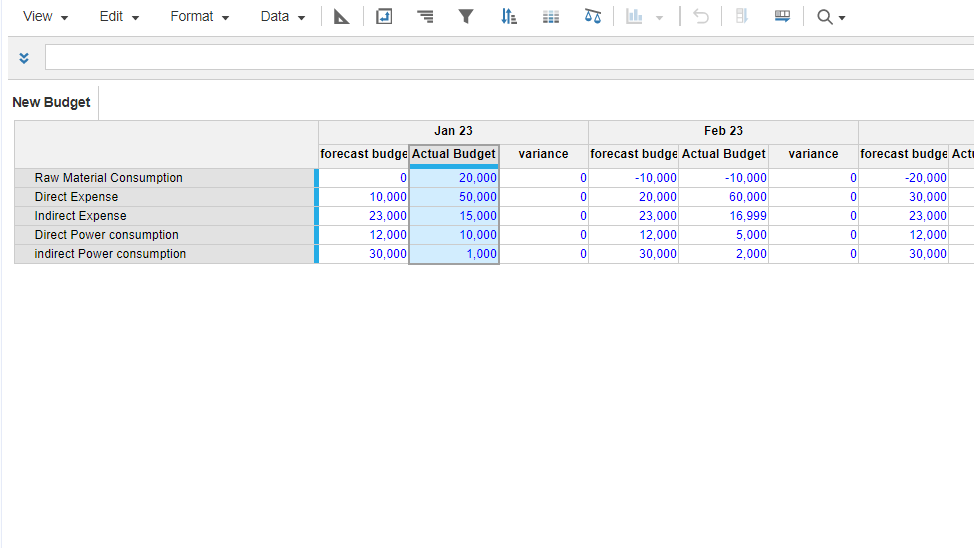
Hi I have tried this but it is not working, I have created the model by the name of new budget but it is not changing by creating general list as well.
But no change please find the details of my variance analysis
its a trial version, please help with the subtraction
My initial recommendation would work in case you use native versions (Anaplan's default 'Versions'). And as @rob_marshall corrected me, my proposal is not efficient (and breaks Planual Rule 1.02-02) because that 'Variance' version (with a formula) might not be needed in other places of the model, and it would occupy unnecessary space, wherever you use versions dimension in a module.
And as I noticed in your latest snapshots, you are not using native versions, but a general list called 'Budget Group'. In this case, you can follow Rob's approach, which I tried to elaborate below.
Let's say 'New Budget' is our input module, where you have data for 'Actual' and 'Forecast' versions (list items of 'Budget Group' list). Please note that we can't calculate variance within this input module, using the below approach.
Now create a line item subset ("LIS Var Analysis" in my example), for the module 'New Budget'. And include only those lineitems for which you want variance calculation:
Now create another module ("Var Cal02" in my example) to calculate variance, with dimensions and lineitems as shown below:
I have basically created one lineitem for each of the 'budget group' list items, and defined formula for 'Variance' line item to give us the difference. Please note that if 'Budget Group' is a production list, you better replace direct references of list items in Actual and Forecast lineitems, with references from a SYS module without any dimensions, where you identify each list item:
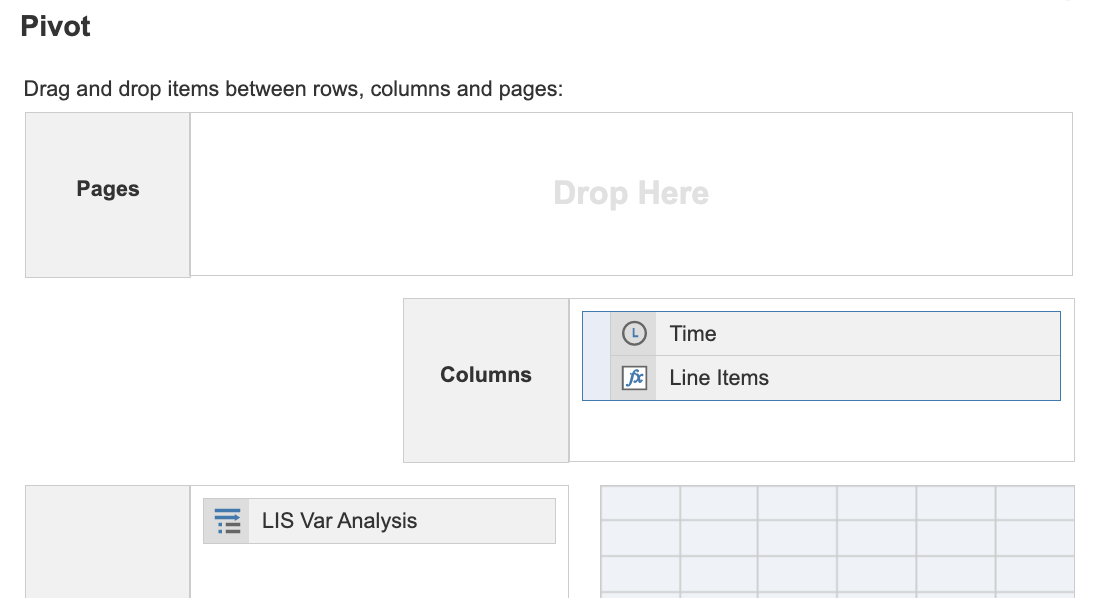
Now, on the UX, you would want to hide 'Planned' lineitem, and pivot & publish as below:
PS: If you are using 'Budget Group' general list for versions, you might not need 'Variance' version and a formula in native "Versions".
There was an error rendering this rich post.
Hi all, The Client ID and Client Secret are available, intended for uploading and downloading files. Could anyone advise how to use these credentials DIRECTLY to make API requests? Thank you!
I have A6 as the parent list and two sibling lists: A6.5 and A7. The A7 list includes an attribute that maps to A6.5. In the UX, the user will select A6.5 using a content selector, and the grid (dimensioned by A7) should display only the A7 items associated with that selected A6.5. Since the selector is a page context and…