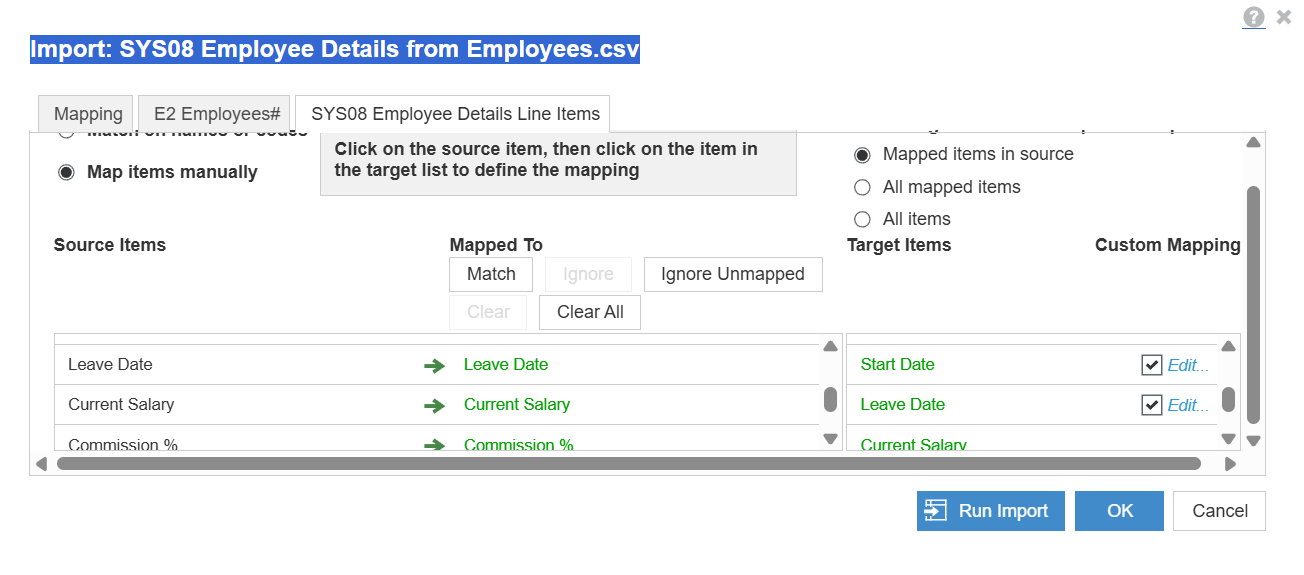
Can anybody please write down the steps for the particular SYS08 - import and correct mapping
As after several attempts and struggling to get it right .
Appreciate your support guys.
@AsadA
Would you not mind sharing the error or the mapping that you are trying to import.
~Anand
Thanks Anand for your prompt response , luckily got assistance from a buddy and it is sorted now .
I was not mapping correctly 🙂
Hi Asad,
could you please share your solution, i am having same issue and unable to map the E2 Employees# to the .CSV file.
Thanks
Zeb
Hi @zaibhamid81 Please share the screenshot of your mapping, its just the mapping error and you are good to import!
Thanks @sobaid for your reply,
I have tried with codes and it allows me to update the data but it does not show the names of the employees. It only works when I manually map name in SYS08 Employee Details tab. please see the below screenshot and please let me know if I am doing it correctly.
Hmmm, Your mapping seems to be correct now, try doing it again after refreshing. Hope it works!
hi @zaibhamid81 , If you found the above suggestion useful and solved your doubt.Kindly mark the thread as solved 😉
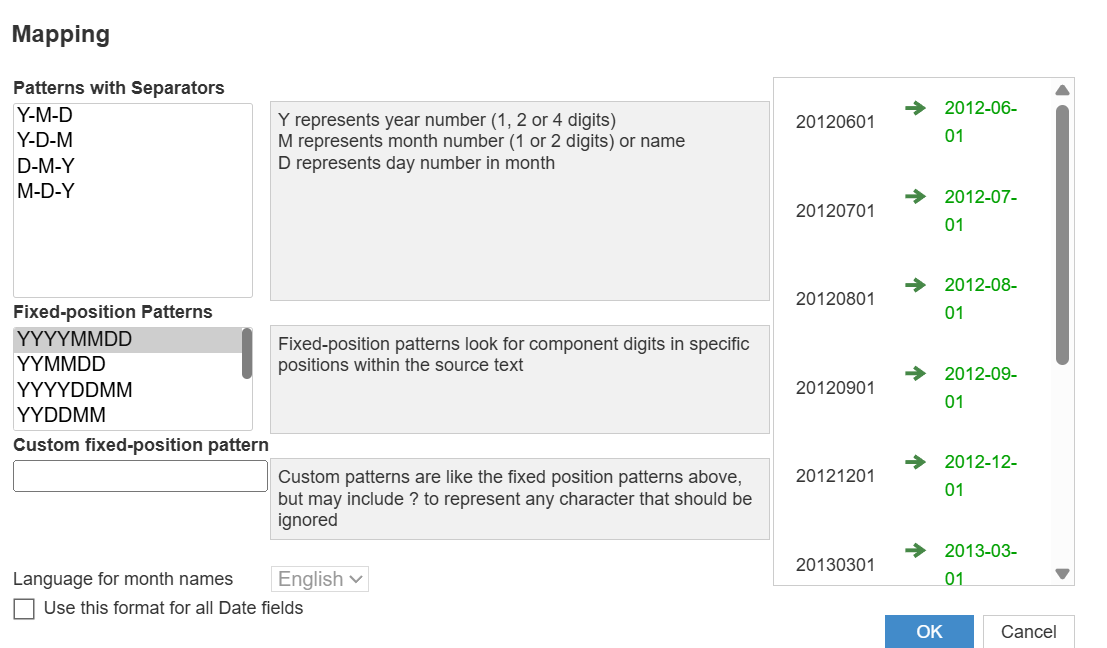
This where You can edit Date Format.
Hi all, The Client ID and Client Secret are available, intended for uploading and downloading files. Could anyone advise how to use these credentials DIRECTLY to make API requests? Thank you!
I have A6 as the parent list and two sibling lists: A6.5 and A7. The A7 list includes an attribute that maps to A6.5. In the UX, the user will select A6.5 using a content selector, and the grid (dimensioned by A7) should display only the A7 items associated with that selected A6.5. Since the selector is a page context and…
A quick reminder of the Bulk Copy functionality. Bulk Copy allows you copy large volumes of data from one slice of a model to another in a single, optimised operation, instead of using formulas or imports. Use case: copy a version (RF1) into a prior year version (PY RF1) using a versions list to allow for year-on-year…