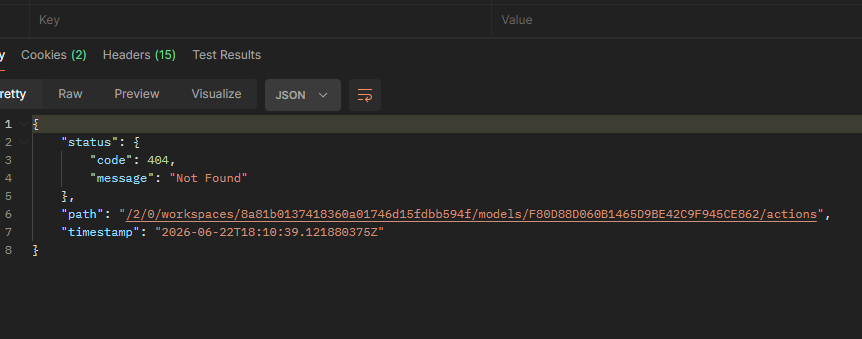
Community manager note: This post and/or comments below reference a workaround for getting API details from your browser window. Anaplan will be retiring the https://us1a.app.anaplan.com/2/0 legacy API on July 31, 2026, to enhance platform security and performance. API requests sent to this URL after July 31st will receive 503 errors. Please switch to using the recommended Integrations API.
Getting Optimier logs helps to understand how to tweak the model to speed up the solving time. Workspace administrators can download the Anaplan Optimizer log via an API.
Links:
- Optimizer logs for debugging
-
https://anaplan.docs.apiary.io/#/reference/logging
Users can use Postman or perform this action directly in the browser. Step-by-step instructions on how to do this using the browser:
You will need 5 parameters:
- workspaceId,
- modelId,
- actionId,
- processId,
- and correlationId.
1️⃣ Authenticate into Anaplan and get workspaceId and modelId from the URL https://us1a.app.anaplan.com/…./workspaces/{workspaceId}/models/{modelId}/…
2️⃣ Getting actionId. https://us1a.app.anaplan.com/2/0/workspaces/{workspaceId}/models/{modelId}/actions
3️⃣ Getting correlationId. First, you would need to identify the process used to run the optimization. You can find it here https://us1a.app.anaplan.com/2/0/workspaces/{workspaceId}/models/{modelId}/processes . With processId you can now run https://us1a.app.anaplan.com/2/0/workspaces/{workspaceId}/models/{modelId}/processes/{processId}/tasks to get all the correlationIds for this process
4️⃣ Finally get the logs https://us1a.app.anaplan.com/2/0/models/{modelId}/optimizeActions/{actionId}/tasks/{correlationId}/solutionLogs
You should see something like this (with different values):
Optimize a model with 1011 rows, 936 columns and 2244 nonzeros
Model fingerprint: 0x7ef96434
Variable types: 390 continuous, 546 integer (0 binary)
Coefficient statistics:…
I hope this helps you to find the logs that you are looking for 😁